Tutorials
Structured Data Basics for Accurate AI Citations
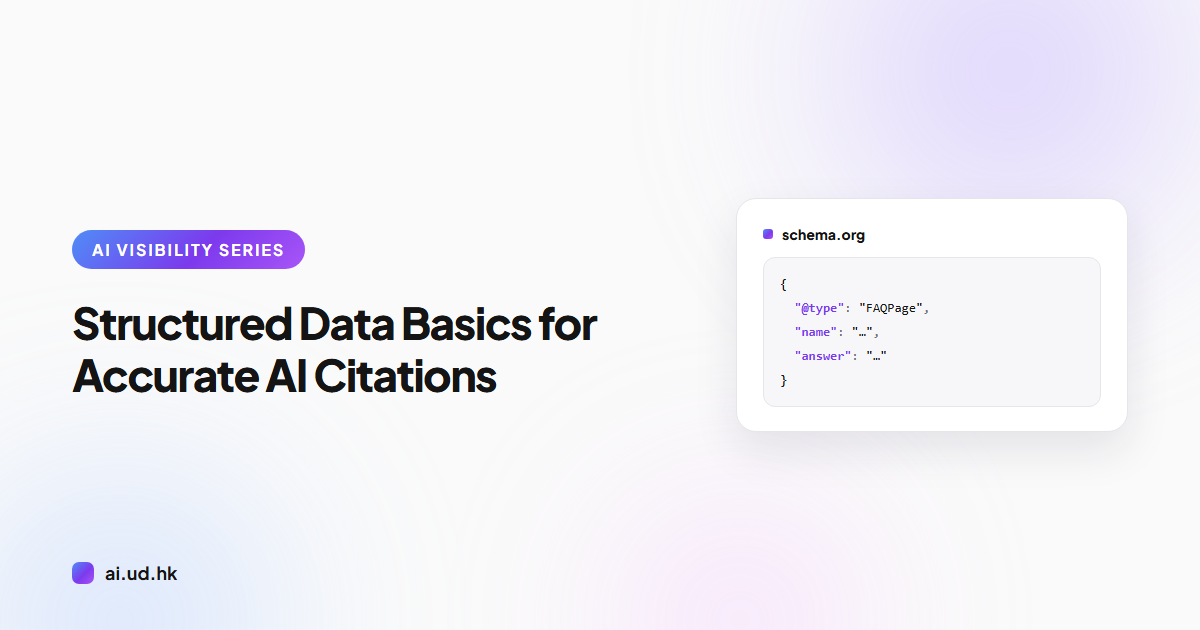
Use JSON-LD to declare your site's facts to AI search. The four schema types Hong Kong SMEs should add first, with examples and validation steps.
Structured data is a set of machine-readable fact declarations written into your page's source code. AI search engines rely on it to confirm your company name, services, and Q&A content, which is what keeps their citations of your site accurate. This guide shows you how to implement the four most valuable types using JSON-LD.
What Is JSON-LD
JSON-LD is structured data embedded in a web page as a JSON snippet. It declares the type and properties of the page's content to search engines and AI systems. It is the format Google recommends, and it goes into the page as a single <script> block without changing anything visitors see.
Here is a minimal example:
<script type="application/ld+json">
{
  "@context": "https://schema.org",
  "@type": "Organization",
  "name": "Example Trading Co.",
  "url": "https://www.example.com"
}
</script>
This code states that the page represents an organization named Example Trading Co. with the official website example.com. The vocabulary comes from schema.org, a public standard maintained jointly by the major search engines.
What It Does for AI Search: Machine-Readable Facts
Structured data turns the human-readable content on your page into fact declarations a machine can parse. Traditional search engines use it to build rich results. For AI search, clear fact declarations reduce the chance that a model misreads your content or attributes it to the wrong company.
Take FAQPage as an example. When questions and answers are marked up as explicit data fields, an AI engine extracting or citing them does not have to guess which sentence is the question and which is the answer. Your company name, product prices, and page hierarchy can all be declared the same way.
One caveat: structured data is not a ranking shortcut. Its value is accuracy, making sure what machines read matches what you meant to say.
The Four Types Hong Kong SMEs Should Add First
Organization: Declare Who You Are
Place this on your homepage to declare your company name, website, logo, and official social profiles.
{
  "@context": "https://schema.org",
  "@type": "Organization",
  "name": "Example Trading Co.",
  "url": "https://www.example.com",
  "logo": "https://www.example.com/logo.png",
  "sameAs": ["https://www.linkedin.com/company/example"]
}
Common mistakes: declaring inconsistent company names across different pages, or using a relative path for the logo. Keep the name identical to your business registration and social profiles, and always use full URLs starting with https.
FAQPage: Make Your Q&A Directly Extractable
Place this on pages that contain question-and-answer content, with one Question object per question.
{
  "@context": "https://schema.org",
  "@type": "FAQPage",
  "mainEntity": [{
    "@type": "Question",
    "name": "What services do you provide?",
    "acceptedAnswer": {
      "@type": "Answer",
      "text": "We provide web hosting and domain registration services, with our office based in Hong Kong."
    }
  }]
}
Common mistake: the Q&A exists in the JSON-LD but appears nowhere on the visible page. Google explicitly requires markup to match the content visitors can see. Markup that lives only in the code counts as a guideline violation.
Product or Service: Say Clearly What You Sell
Use Product with an Offer on product pages. Service businesses can use Service instead.
{
  "@context": "https://schema.org",
  "@type": "Product",
  "name": "Business Web Hosting Plan",
  "description": "Web hosting for SMEs, with daily backups included.",
  "offers": {
    "@type": "Offer",
    "price": "0",
    "priceCurrency": "HKD"
  }
}
A price of 0 means free; for paid plans, enter the actual price. Common mistakes: omitting priceCurrency, or letting the marked-up price drift out of sync with the price shown on the page because only one of the two was updated.
BreadcrumbList: Declare Where the Page Sits
This tells machines which level of your site the page belongs to, making the site structure easier for AI and search engines to understand.
{
  "@context": "https://schema.org",
  "@type": "BreadcrumbList",
  "itemListElement": [
    {"@type": "ListItem", "position": 1, "name": "Home", "item": "https://www.example.com/"},
    {"@type": "ListItem", "position": 2, "name": "Services", "item": "https://www.example.com/services/"},
    {"@type": "ListItem", "position": 3, "name": "Web Hosting"}
  ]
}
Common mistake: position numbers that skip or repeat. The last item is the current page and may omit the item URL, but every other level must carry a complete URL.
Validate with Google's Rich Results Test
Writing the markup does not mean it works, so validate both before and after going live. Open Google's Rich Results Test (search.google.com/test/rich-results) and paste your URL or the code itself. The tool lists every type it detects along with any errors.
One thing to note: this tool only reports types that qualify for Google rich results. To check whether all of your schema.org markup is valid, run it through the official Schema.org validator (validator.schema.org) as well.
Finally, open the page source on your production site and confirm the JSON-LD is actually output. Plenty of website templates render it fine in the editor preview, then strip the script tag after publishing.
FAQ
Does JSON-LD have to go in the head?
No. It can be read from either the head or the body, but keeping it in the head makes it easier to manage and debug.
Does structured data directly improve rankings?
No, it does not directly raise rankings. Its job is to help search engines and AI understand your content accurately, which increases the chance of being cited correctly.
Can one page carry multiple types of structured data?
Yes. A single page can declare several types at once, for example a services page carrying Service, FAQPage, and BreadcrumbList together.
Can I add it myself without a developer?
Yes. JSON-LD is plain text, so you can copy the examples, replace the values with your own details, paste the block into your page template, and verify it with the testing tools.
What does AEO mean in the AEO Auditor tool name?
It stands for answer engine optimization, the practice of optimizing for AI search visibility. It has nothing to do with the customs Authorized Economic Operator program or the fashion retailer that trades under the same ticker.
Scan First, Then Start Fixing
None of the four types is hard to write. The hard part is knowing which ones your website is missing right now. UDomain's free AEO Auditor (ai.ud.hk/aeo-auditor) scans your site and checks structured data, AI crawler accessibility, and other AI visibility items, then lists the gaps worth filling first. Work through the results against the examples in this guide, so the next time an AI cites your content, it says exactly what you meant.
Related reading
Curious how visible your site is on AI?
Run a free 30-second scan and see your score and recommendations instantly.
Start free scan